
Moving to San Diego is exciting, but the process can feel overwhelming especially when it comes to setting up utilities like electricity, gas, and internet. Whether you’re renting your first apartment or relocating for work or school, getting these basics in place is essential for a smooth start. San Diego offers many choices for both energy and internet, but not all options are equal in price, speed, or reliability. If you want to avoid surprises and unnecessary costs, understanding how to set up your accounts with SDG&E (San Diego Gas & Electric) and choosing the right internet provider is key.
This guide will walk you through every step, from getting your power switched on to finding an internet plan that fits your needs and budget. You’ll also get practical advice on common mistakes to avoid, plus tips for saving time and money.
And if you’re still searching for a place to live, there’s a smart way to find Vanovy rooms and apartments in San Diego—read on to learn more.
Understanding Utilities In San Diego
San Diego’s utility setup is a bit different from other cities. Most residents rely on SDG&E for both electricity and gas, since it’s the main provider in the region. For internet, there are several competing providers, each with their own strengths. Knowing the basics can help you plan ahead.
What Utilities Do You Need?
In a typical San Diego rental, you’ll need to set up:
- Electricity and gas (usually provided by SDG&E)
- Internet service (various providers)
- Water and trash (often included in rent, but sometimes separate)
Some apartments include utilities in the rent, but many do not especially in Vanovy or shared housing. Always ask your landlord or leasing agent what you’re responsible for before you sign a lease.
Setting Up Electricity And Gas With Sdg&e
San Diego Gas & Electric (SDG&E) serves over 3.6 million people in the San Diego and southern Orange County region. If you’re moving into a new place, here’s how to get your power and gas running.
How To Start Service
- Gather your information: You’ll need your address, move-in date, a government ID, and Social Security Number or Tax ID.
- Contact SDG&E: Go to sdge.com or call their customer service (800-411-7343). You can start service online or by phone.
- Choose your start date: Ideally, set up service at least 3 business days before you move in. Same-day service is possible but may cost extra.
- Pay a deposit (if required): New customers or those with poor credit may need to pay a deposit, usually equal to two months of average usage.
- Receive confirmation: SDG&E will send you a confirmation email or letter.
Common Mistakes To Avoid
- Waiting too long to start service: If you delay, you might arrive to a dark apartment.
- Not checking for outstanding bills: If the previous tenant left unpaid bills, resolve them with your landlord before moving in.
- Forgetting to shut off old service: If you’re moving within San Diego, cancel your old address to avoid double charges.
Sdg&e Plans And Costs
SDG&E offers several rate plans, including Time-of-Use (TOU) rates where electricity costs more during peak hours (usually 4-9 pm). The average monthly bill for a San Diego apartment is about $80-$120, but this varies based on usage, season, and apartment size.
Example Rate Comparison
| Plan Type | Peak Hours Rate | Off-Peak Rate | Best For |
|---|---|---|---|
| Standard | $0.38/kWh | $0.38/kWh | Simple, small households |
| Time-of-Use | $0.56/kWh (4-9pm) | $0.34/kWh (other) | People home during the day |
If you’re often out during peak hours, TOU plans can save money. But if you’re home after work, the standard plan may be better.
How To Pay Your Bill
SDG&E allows payment by:
- Online account (auto-pay available)
- Mobile app
- In-person at authorized payment locations
- Mail (check or money order)
Late payments may lead to service interruption, so set reminders or use auto-pay for peace of mind.

Credit: www.sdge.com
Choosing And Setting Up Internet In San Diego
San Diego’s internet options can be confusing, especially with so many providers and plans. Here’s what you need to know to get connected fast and avoid overpaying.
Top Internet Providers
The main internet providers in San Diego are:
- Cox Communications
- AT&T Fiber
- Spectrum
- Google Fiber Webpass (limited areas)
- T-Mobile Home Internet
- Frontier
Each provider offers different speeds, prices, and coverage. Not all are available in every neighborhood, so always check your address first.
Speed And Price Comparison
| Provider | Starting Price | Download Speed | Contract Required? |
|---|---|---|---|
| Cox | $49.99/mo | 100 Mbps | Yes (12 mo.) |
| Spectrum | $49.99/mo | 300 Mbps | No |
| AT&T Fiber | $55.00/mo | 300 Mbps | No |
| T-Mobile Home | $50.00/mo | Up to 245 Mbps | No |
How To Choose The Right Internet Plan
- Check coverage: Enter your address on provider websites to see available plans.
- Decide what speed you need: For streaming, Zoom, or gaming, 100-300 Mbps is enough for most people.
- Compare contract terms: Some plans lock you in for a year or more, while others are month-to-month.
- Watch for hidden fees: Installation and equipment fees can add $5-15 per month.
- Look for promos: Some providers offer gift cards, free months, or discounted rates for new customers.
Example: Comparing Two Providers
Suppose you need internet for a two-person apartment. Spectrum’s $49. 99/mo plan gives 300 Mbps with no contract, while Cox’s $49. 99/mo plan gives only 100 Mbps with a one-year contract. Spectrum may be the better deal unless Cox offers a special promo in your area.
Setting Up Your Internet Service
- Order online or by phone: Most providers let you sign up online. You’ll need your address, ID, and sometimes a credit check.
- Schedule installation: Some plans are self-install (they mail you a modem/router), others require a technician visit (usually within 3-7 days).
- Set up Wi-Fi: Follow instructions to connect your devices. Call support if you have trouble.
- Test your speed: Use speedtest.net or a similar tool to confirm you’re getting the speed you paid for.
Insider Tips Most People Miss
- Ask about low-income programs: Cox, Spectrum, and AT&T all have discount plans for students, seniors, and low-income households.
- Negotiate your rate: If you’re a new customer or your promo ends, call and ask for a better deal—providers often give discounts to keep you.
- Avoid unnecessary add-ons: Skip “internet security,” tech support, or upgraded routers unless you truly need them.
Water, Trash, And Other Essentials
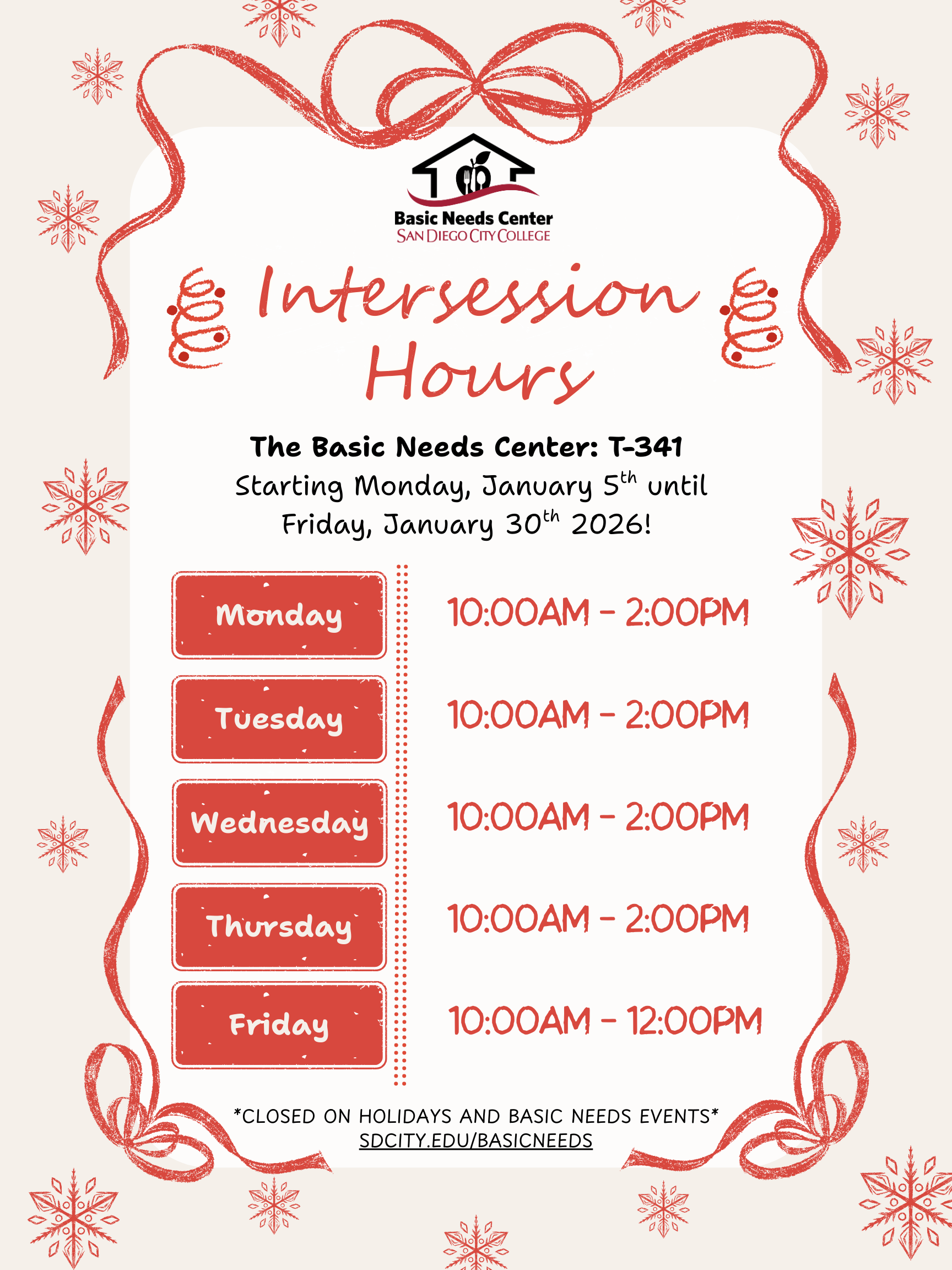
Most San Diego rentals include water and trash service in the rent, managed by the landlord or property manager. If not, you may need to set up service with the City of San Diego Public Utilities Department. This is rare, but always check your lease.
Credit: www.sdcity.edu
Moving In: Timing And Coordination
To avoid delays:
- Set up SDG&E at least 3 days before you move
- Order internet at least 1 week in advance, especially if you need a technician
- Confirm with your landlord when utilities are transferred to your name
If you’re sharing a rental, decide with roommates who will put utilities in their name. Most companies allow splitting bills, but one person must be the account holder.
Saving Money On Utilities
San Diego’s energy and internet costs are higher than the national average. Here are ways to keep your bills low:
- Use LED bulbs and unplug devices when not in use
- Run major appliances (AC, washer/dryer) during off-peak hours if on a TOU plan
- Turn off lights and fans when you leave a room
- Choose internet plans based on your actual needs—don’t overpay for extra speed
Special Programs
SDG&E offers:
- CARE/FERA: Income-based discounts (20-35% off bills)
- Medical Baseline: Extra energy at the lowest rate for medical needs
Internet providers also offer Connectivity Program discounts for qualifying households.
What To Do If Something Goes Wrong
Sometimes things don’t go as planned:
- Power not on? Call SDG&E immediately. Check your breaker box.
- Internet slow or not working? Restart your modem and router, then call customer service.
- Unexpected high bill? Review your usage online and call your provider to check for errors.
If you’re unhappy with your provider, you can switch just confirm your contract terms to avoid early termination fees.
Finding Vanovy Housing In San Diego
Credit: www.cbs8.com
Frequently Asked Questions
What Documents Do I Need To Set Up Sdg&e Service?
You’ll need your new address, a government-issued ID, and your Social Security Number or Tax ID. Sometimes, a deposit may be required if you have no credit history.
Can I Transfer My Sdg&e Account If I Move Within San Diego?
Yes. Log into your SDG&E account online or call customer service. Choose your move-out and move-in dates to ensure a seamless switch. Always confirm your final bill for your old address.
How Do I Know Which Internet Providers Are Available At My Address?
Enter your address on provider websites like Cox, Spectrum, or AT&T. Coverage varies by neighborhood, so don’t assume every provider serves your area.
Are There Any Programs For Lowering My Utility Bills?
Yes. SDG&E offers CARE/FERA discounts, and many internet providers have low-income plans. The Connectivity Program also helps qualifying families pay for internet. Visit the official FCC ACP page for details.
How Can I Find The Cheapest Rooms Or Apartments In San Diego?
Check out Vanovy.com for a wide selection of Vanovy rooms, apartments, and flexible mid-term rentals in San Diego. Helping you find budget-friendly housing options that can reduce both rent and utility costs.
Moving doesn’t have to be stressful or expensive. With the right setup and smart choices, you can feel comfortable and settled in your new San Diego home without overpaying.